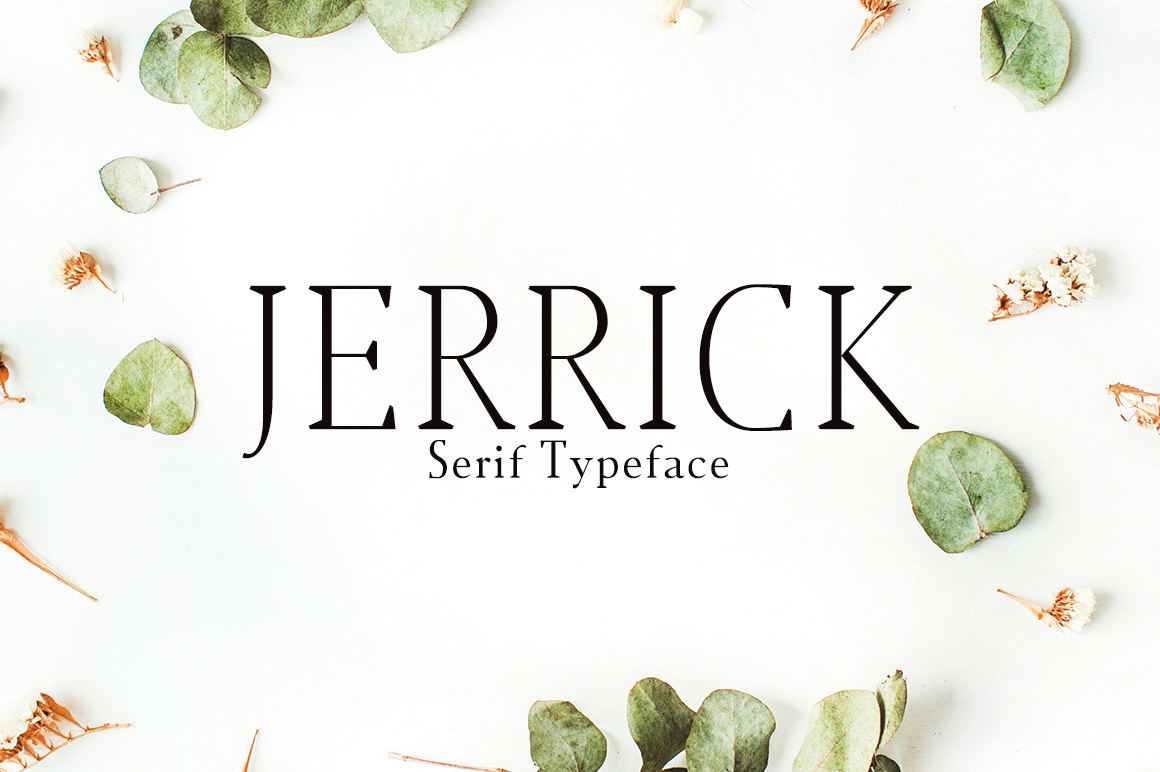
Jerrick: A Flexible Workspace for Modern Creative Work
You’ve probably seen the name pop up in a few Slack channels or heard it mentioned at a coworking meetup: Jerrick. It sounds like a surname, maybe a tech founder, but in practice, Jerrick is something much more quiet and useful—a digital workspace built not for the loudest project management tool in the room, but for the kind of work that actually gets done when you stop fighting your tools and start moving ideas forward.
Think of it less as a strict system and more as a loose framework that bends around how you actually think and work. You don’t have to fanatically follow a Single Way of Working; you just start putting things in, and Jerrick gives you enough shape to make sense of the mess. After spending a few weeks with it, you realize it’s not trying to replace your whole stack—it’s trying to be the one weird notebook you actually carry around.
What Jerrick Really Is (And Isn’t)
At its core, Jerrick is a modular workspace. It lives somewhere between a note-taking app, a lightweight database, and a collaborative whiteboard that doesn’t demand you draw everything. You can create pages that hold text, lists, media, and links, and then organize them in whatever way feels right—folders, tables, or just a stack of cards you shuffle around. But the real magic is that Jerrick doesn’t force you to classify everything upfront. You can drop in a brainstorm, a to-do list, and a client brief all in the same bucket, and later decide how to tie them together.
It’s not a replacement for a full-blown CRM or a design tool. It’s something in between—a thinking pad that can become a temporary command center when you need it. The people who get the most out of it tend to be those who hate templates and process overkill, but still want to find things again next month.
Freelancers Juggling Multiple Gigs
If you’re a freelance writer, designer, or consultant, you probably have work from three different clients sitting in your inbox, your Notes app, and a half-finished Google Doc. Jerrick gives you one place to pull it all together without making you feel like you failed at using the “right” tool.
One freelance copywriter I talked to uses Jerrick to keep a master dashboard for each client. She drops in briefs, links to assets, her own drafts, and even quick voice memos she records on her phone. When a client calls with a sudden change, she can open Jerrick on her iPad, find the relevant note, and update it in real time without fumbling through folders. It’s not a CRM; it’s just a live external brain.
Small Teams Trying to Stay Light
Small teams—think 3 to 10 people—often find themselves trapped between “too many tools” and “not enough structure.” Jerrick fits in nicely as a central hub for ongoing projects, notes, and lightweight planning. A web development crew I know uses it to keep a living document of their deployment checklist, client feedback notes, and even ideas for side projects. They don’t spend time assigning tasks or updating status fields. They just add content, tag it loosely, and trust that the next person will find it because the search actually works—and because Jerrick’s UI doesn’t hide things behind six menus.
It’s especially useful for teams that aren’t all in the same time zone. You can leave a note about a blocker at the end of your day, and the morning person picks it up without needing a separate message thread. The lack of rigid hierarchy means every team member can structure their own part of the workspace the way they like, while still sharing the same larger containers.
Creative Brainstorming That Doesn’t Die in a Meeting
Most brainstorming sessions produce a flurry of ideas that get lost in a shared document no one ever opens again. Jerrick changes that because you can keep the brainstorm alive. A design studio uses it to create a “seed pool” where everyone drops raw concepts, reference images, and even half-baked sketches. Instead of locking these ideas into a PowerPoint deck that gets archived, they remain in the workspace, searchable, and ready to be revisited when the next project brief comes in. The mere act of keeping them accessible means cross-pollination happens naturally—someone building a brand for a coffee shop might find a month-old mood board for a bakery that sparks a new direction.
Writers and Researchers
Writers love Jerrick because it collects fragments without asking for conclusions. You can accumulate quotes, links, random observations, and even screenshots of social media comments that capture a mood. Later, when you’re drafting an article (or a book), you don’t have to scramble for sources—you just open your Jerrick page and browse the pile. The linear order doesn’t matter until you decide it does.
Event Planners and Project Coordinators
Event planning is a world of checklists, vendor contacts, and last-minute changes. A wedding planner I spoke with uses Jerrick to manage three ongoing events at once. She creates a master page for each wedding, with subsections for venue notes, timeline, food preferences, and guest count updates. When a vendor changes their menu, she opens Jerrick on her phone and edits the note immediately—no need to email herself a revision. The strength here is that Jerrick doesn’t treat updates as revisions that need versioning; it treats them as living content that is always the latest.
Non-Profits and Community Groups
Volunteer-run organizations often have low budgets and high collaboration friction. Jerrick is free for small teams, which makes it an easy adopt. A local food bank uses it to share weekly shift schedules, food donation logs, and volunteer contact info. The volunteers aren’t tech-savvy, but they can all open the workspace and understand it because the layout is clean and doesn’t require training. The ability to embed Google Maps links for pickup locations or paste a PDF of a grant application makes it a one-stop shop for people who don’t want to navigate a complex platform.
Practical Considerations Before You Commit
Jerrick isn’t without quirks. It’s still a relatively new tool, so if you need deep integrations with Salesforce or Jira, you’ll be disappointed. The export options are solid (any page can become a Markdown file), but bulk migration can be manual. If your team relies heavily on rigid workflows like Gantt charts or automated task assignments, Jerrick’s light structure might feel like a step backward.
Another thing to note: Jerrick is best on desktop or a tablet with a keyboard. The mobile experience exists, but editing longer notes on a phone can feel clunky. Offline support works for viewing and editing, but syncing occasionally lags if you’re switching devices fast. None of these are dealbreakers for the casual user, but if you’re a heavy full-time organizer, you might want to test it with a week of real work before moving everything over.
Strengths and Limitations in Perspective
The biggest strength of Jerrick is that it gets out of your way. You never feel like you’re managing a tool instead of managing your work. The search is instantaneous even with hundreds of pages, and the linking system allows you to connect ideas across projects without duplicates. It also handles mixed content beautifully—you can embed a YouTube video next to a bullet list of action items and it just works.
On the flip side, Jerrick lacks built-in time tracking, advanced analytics, or custom field types beyond basic text and checkboxes. Power users who want to build a database with formulas and date fields should look elsewhere. Jerrick is not a second brain for data—it’s a second brain for thoughts. That’s its charm and its ceiling.
If you’re someone who organises your life around folders and tags because you trust structure more than memory, Jerrick might initially feel too loose. But if you’re willing to let go of perfect categories and embrace a more fluid approach—where a page can be both a reference and a task list at the same time—you’ll likely find it indispensable for exactly the kinds of real-world messes that standard tools can’t handle.
Try it for a small project first. Dump your notes from a recent meeting or a creative idea cluster. See how it feels to move things around without worrying about messy folders. That’s the real test—not whether it has all the features, but whether it makes your work a little less frantic and a little more connected.